
How to Play Grand Poo World 3

The underground world of creating and streaming Super Mario World-based ROM hacks continues to gain popularity. This popularity is a tribute to the creativity of gamers and the quality of the original 30 year old video game's mechanics. Over the past decade, incredible ROM hacks like Grand Poo World 1 and 2, Invictus, and Dram World have brought joy (and horror) to the Mario community. Sure, Nintendo released Mario Maker and Mario Maker 2, but I love SMW Central patches because they allow all of us to create, much like open source.
The most anticipated hack in years, Grand Poo World 3, was just released and is taking the Super Mario World community by storm. You cannot, however, just download GPW3; due to legal reasons, and the ability to modify it further, the process takes some work. Let's learn how to build Grand Poo World 3!
What You'll Need
You'll need multiple apps and files to build and play Grand Poo World 3:
- The Grand Poo World 3
bpsfile from SMWCentral - A clean ROM file (with
.smcfile extension) for Super Mario World (...Google helps; use JSRomClean to verify your file) - A patching utility for your OS (MultiPatch for macOS, FloatingIPS for Windows)
- An emulator to play the resulting
.smcfile (OpenEmu for Mac, Snes9x for Windows)
Patching Grand Poo World 3
With the files and utilities available, open the patching utility and provide the path, Super Mario World ROM File, and patched file path:
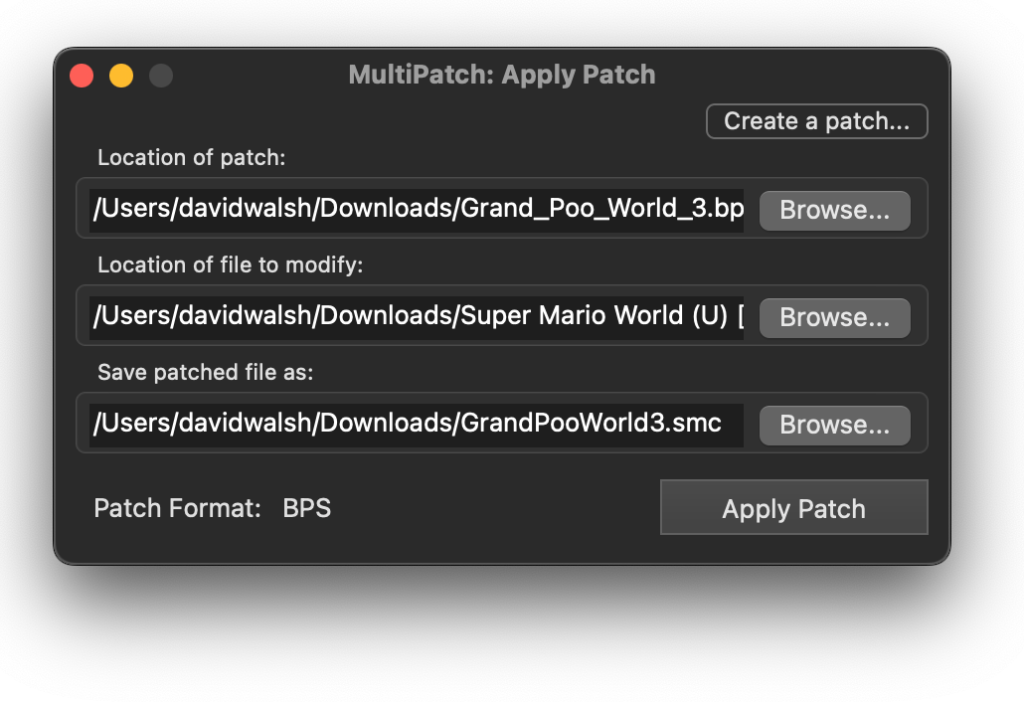
If the input files are successful, you'll get a working .smc file for GPW3! The risk is usually the SMW ROM file, so be sure to validate it with JSRomClean.
With a successful Grand Poo World 3 created, it's time to play!
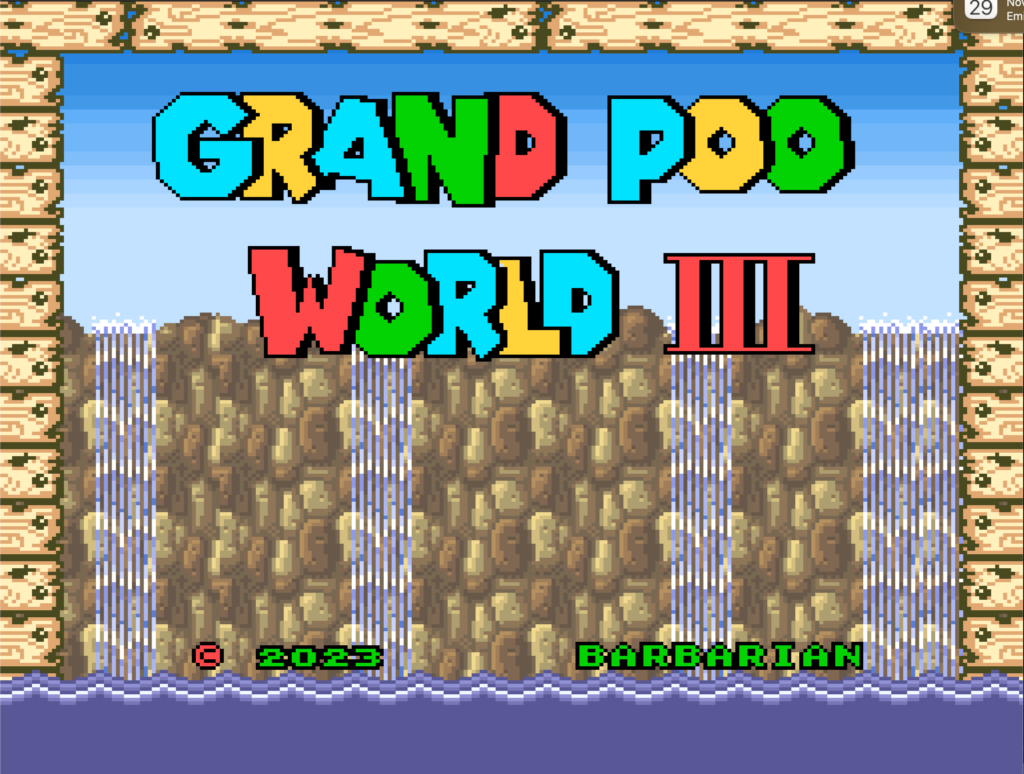
The whole process of creating Grand Poo World 3 gives me joy due to two of my loves: video games and open source coding. SMWCentral has thousands of patches you can apply on top of and parellel to ROM hacks to implement features like retry system and loads more.
Enjoy (the pain of) Grand Poo World 3!





