Submit Button Enabling
"Enabling" you ask? Yes. We all know how to disable the submit upon form submission and the reasons for doing so, but what about re-enabling the submit button after an allotted amount of time. After all, what if the user presses the "stop" button immediately after submitting the form? They'd be screwed. Why not re-enable the submit button after an allotted amount of time so that the user may re-submit?
The MooTools JavaScript
window.addEvent('domready',function() {
		var subber = $('submit');
		subber.addEvent('click',function() {
			subber.set('value','Submitting...').disabled = true;
			(function() { subber.disabled = false; subber.set('value','Resubmit'); }).delay(10000); // how much time?  10 seconds
		});
	});
Of course, this isn't ideal in all situations. It is, however, a nice touch if your system can accommodate for it.
Update: Upon submission, the button's message changes to "submitting..." and once enabled, the message changes to "Resubmit." Thank you to Facundo Corradini for the suggestion!
![9 Mind-Blowing Canvas Demos]()
The <canvas> element has been a revelation for the visual experts among our ranks. Canvas provides the means for incredible and efficient animations with the added bonus of no Flash; these developers can flash their awesome JavaScript skills instead. Here are nine unbelievable canvas demos that...
![5 Ways that CSS and JavaScript Interact That You May Not Know About]()
CSS and JavaScript: the lines seemingly get blurred by each browser release. They have always done a very different job but in the end they are both front-end technologies so they need do need to work closely. We have our .js files and our .css, but...
![MooTools 1.3 Browser Object]()
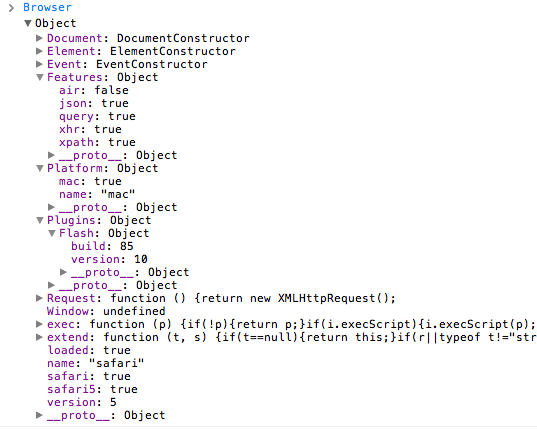
MooTools 1.3 was just released and one of the big additions is the Browser object. The Browser object is very helpful in that not only do you get information about browser type and browser versions, you can gain information about the user's OS, browser plugins, and...
![jQuery UI DatePicker: Disable Specified Days]()
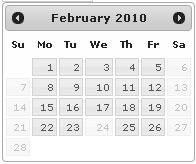
One project I'm currently working on requires jQuery. The project also features a datepicker for requesting a visit to their location. jQuery UI's DatePicker plugin was the natural choice and it does a really nice job. One challenge I encountered was the...