Serve a Directory with Node.js
As I mentioned in Serve a Directory with Python, sometimes you need a directory to be "served" instead of loading the file:// location within your browser. In the past I would mess around with MAMPStack and swapping out httpdocs directories, but there are better tools these days.
If you prefer to use Node.js instead of Python, you can use the http-server package:
# Install via shell
npm install http-server -g

# Serve a directory
http-server

# Serve a directory at a specified port
http-server -p 2020
Check out the http-server NPM page to check out specific options, but I wanted to highlight how easy it can be to serve a directory with Node.js. And for JavaScript lovers like me...Node.js is the way to go.
![Conquering Impostor Syndrome]()
Two years ago I documented my struggles with Imposter Syndrome and the response was immense. I received messages of support and commiseration from new web developers, veteran engineers, and even persons of all experience levels in other professions. I've even caught myself reading the post...
![Page Visibility API]()
One event that's always been lacking within the document is a signal for when the user is looking at a given tab, or another tab. When does the user switch off our site to look at something else? When do they come back?
![MooTools TextOverlap Plugin]()
Developers everywhere seem to be looking for different ways to make use of JavaScript libraries. Some creations are extremely practical, others aren't. This one may be more on the "aren't" side but used correctly, my TextOverlap plugin could add another interesting design element...
![Duplicate the jQuery Homepage Tooltips Using MooTools]()
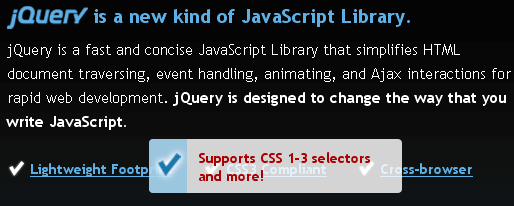
The jQuery homepage has a pretty suave tooltip-like effect as seen below:
Here's how to accomplish this same effect using MooTools.
The XHTML
The above XHTML was taken directly from the jQuery homepage -- no changes.
The CSS
The above CSS has been slightly modified to match the CSS rules already...