Tutorials Page 4
![JavaScript closest]()
JavaScript closest
When it comes to finding relationships between elements, we traditionally think of a top-down approach. We can thank CSS and
querySelector/querySelectorAllfor that relationship in selectors. What if we want to find an element's parent based on selector?To look up the element tree and find...![ChatGPT via WYSIWYG]()
ChatGPT via WYSIWYG
Artificial intelligence applications have hit like a massive wave over this past year, with ChatGPT being the most prominent. ChatGPT can take any written command and suggest content to match. What better than having the power of AI content creation than doing so within your own...


![JavaScript: Reverse Arrays]()
JavaScript: Reverse Arrays
Manipulating data is core to any programming language. JavaScript is no exception, especially as JSON has token over as a prime data delivery format. One such data manipulation is reversing arrays. You may want to reverse an array to show most recent transactions, or...
![Confessions of a Web Developer XX]()
Confessions of a Web Developer XX
It's been quite a while since I've gotten a few things off of my chest and since I'm always full of peeves and annoyances I thought it was time to unleash:One day you're getting recruited by another crypto wallet vendor, the next their users are getting...
![How to Create a Screen Recording with Quicktime]()
How to Create a Screen Recording with Quicktime
Creating screen recordings is an essential skill for web developers. Screen recordings can illustrate new features, bugs, or a variety of other ideas. I'm often asked what app I use to create screen recordings and people are shocked when I tell them Quicktime!
-
![Restart Mac From Command Line]()
Restart Mac From Command Line
Restarting and shutting down a computer remotely is a frequent task for remote system administrators. As someone that writes many shell scripts, I also find myself automating system restarts. Let's look at a few ways to restart Mac systems from command line!Restart a Local MacTo...
![How to Use Your Domain on Bluesky]()
How to Use Your Domain on Bluesky
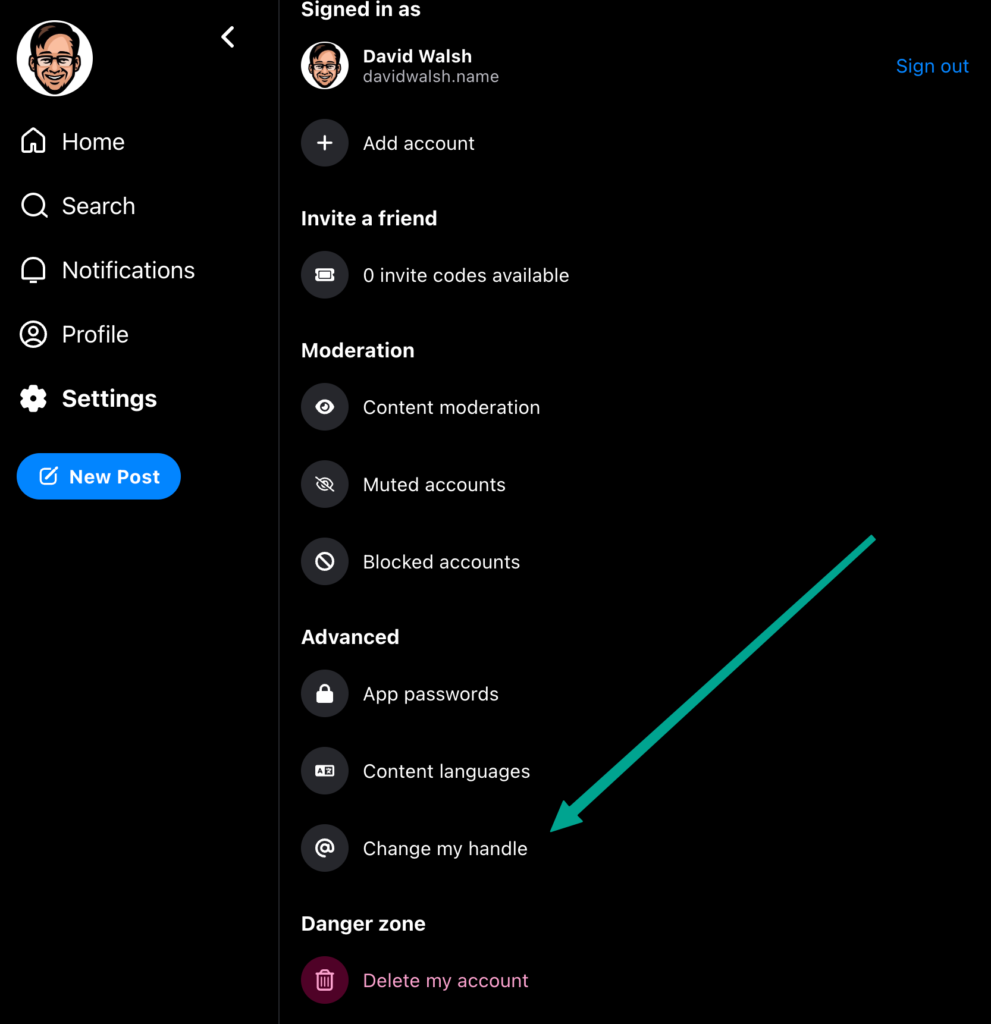
Bluesky is a hot new social networking platform that functions like Twitter from Twitter's original founder. New users are flooding into the platform as a respite from Elon Musk's vision of Twitter and the fumbles that have happened since his takeover. Upon signing up...
![10 Great Multipurpose WordPress Themes]()
10 Great Multipurpose WordPress Themes
Multipurpose themes are flexible WordPress templates that can be used to create virtually any kind of website. They are often best-sellers, and because they are so popular there are a lot of them to choose from. Too many in fact unless you have time to spare...

![How to Blur Faces in a Video from Command Line]()
How to Blur Faces in a Video from Command Line
Privacy is always incredibly important, especially with visual media where you may not have the permission of individuals in the video. If you're filming something in public, it's likely you'll catch someone's face who simply doesn't want or need to be identified. This recently...
![CSS content-visibility]()
CSS content-visibility
The CSS language is full of small gaps which are frustrating to navigate. Between CSS properties to hide a container and its contents, there is still room for improvement.
visibility: hiddenkeeps height and width integrity whiledisplay: noneon a container hides everything. You can...