
Convert Video to GIF or GIF to Video
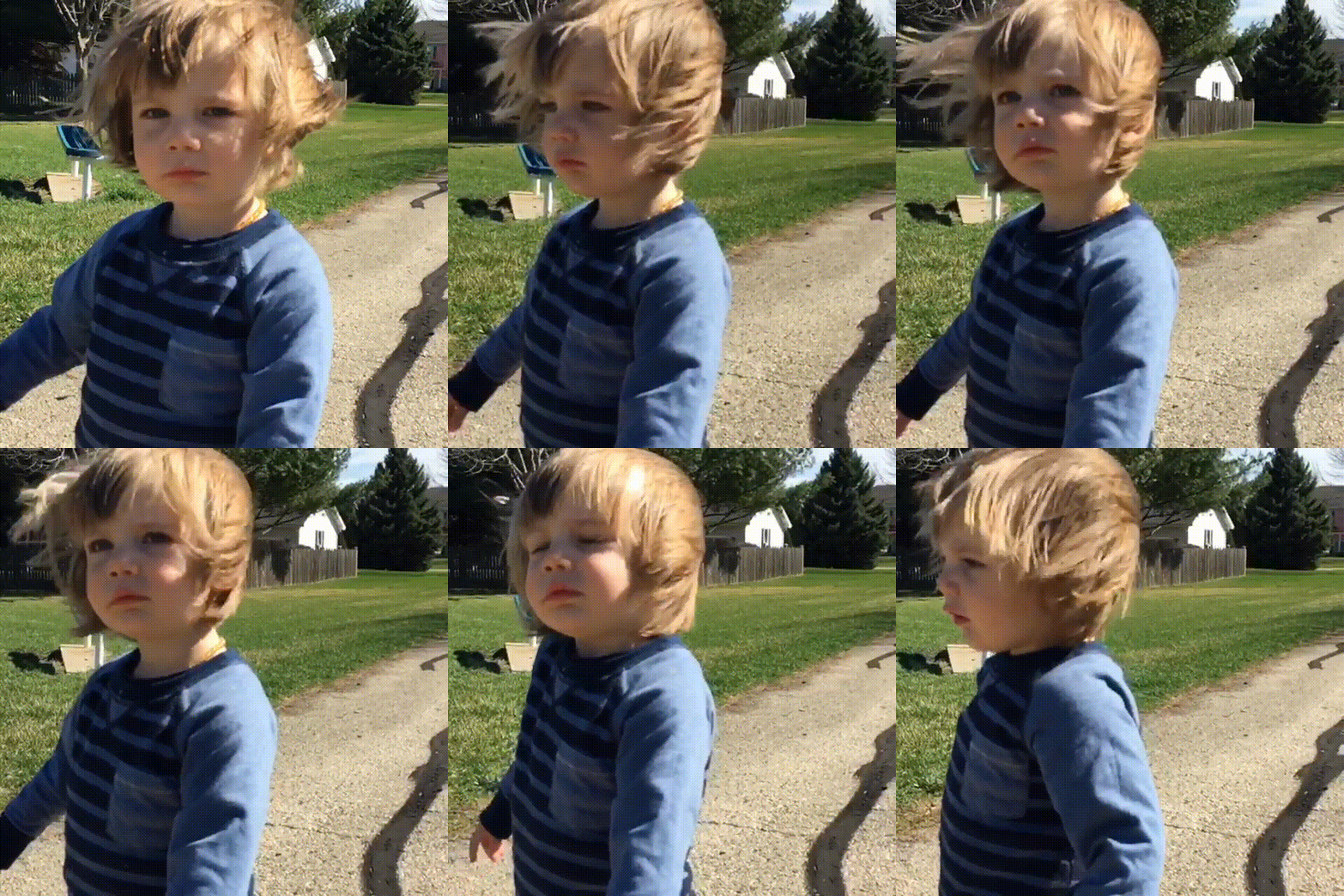
I feel like GIFs are more popular now than back in the day when they were just about the only way to have moving imagery on the web. They were so useful because crap like Real Video Player, Windows Media, and other crap formats all required a special codec and browser plugin. We have better video stands in browsers these days but GIFs are all over now, partially just for the banter of them.
Convert Video to GIF
So what's the easiest way to convert an entire video or just a snippet to a GIF? Let's use my favorite media utility: ffmpeg.
To convert the entire video to GIF, use the following command:
ffmpeg -i small.mp4 small.gif
To convert just a portion of a video clip to GIF, use the following command:
ffmpeg -t 3 -ss 00:00:02 -i small.webm small-clip.gif
The snippet above directs ffmpeg to create a GIF 3 seconds long starting at 2 seconds into the video.
The default conversion doesn't appear to be high quality, so you can configure the bitrate via another parameter:
ffmpeg -i small.mp4 -b 2048k small.gif
Convert GIF to Video
The command is quite simple:
ffmpeg -f gif -i animation.gif animation.mp4
You can use this same command format to convert to other video formats:
ffmpeg -f gif -i animation.gif animation.mpeg

ffmpeg -f gif -i animation.gif animation.webm
ffmpeg and ImageMagick are awesome media utilities which you should take some time to check out if you have any questions about how to get something done!




I suggest using a tool like gifsicle to reduce the size of the returned gif. IIRC, ffmpeg doesn’t optimize very much.
You could also use a free webservice like http://www.video2gif.org/. Its easy to use, many video formats are supported and there are a lot options to reduce the file size of your resulting Gif.
I used
, where
-r 5cuts it to 5 frames per second, and-vf scale=270:-1scales the output to a width of 270 pixels and a height that matches the aspect ratio.It’s actually possible pregenerate a colour palette for a gif by doing sth like this:
And then using it with this, in your actual conversion:
Also piping into gifsicle can improve the size a lot:
What if you only have individual gifs which are not animated? How to create mp4 then?
ffmpeg -f image2 -framerate 25 -pattern_type glob -r 3 -i '*.gif' test.avi
ffmpeg version 3.4.1 Copyright (c) 2000-2017 the FFmpeg developers
  built with gcc 4.4.7 (GCC) 20120313 (Red Hat 4.4.7-18)
  configuration:
  libavutil      55. 78.100 / 55. 78.100
  libavcodec     57.107.100 / 57.107.100
  libavformat    57. 83.100 / 57. 83.100
  libavdevice    57. 10.100 / 57. 10.100
  libavfilter     6.107.100 /  6.107.100
  libswscale      4.  8.100 /  4.  8.100
  libswresample   2.  9.100 /  2.  9.100
[image2 @ 0x20684c0] Could not find codec parameters for stream 0 (Video: none, none): unknown codec
Consider increasing the value for the 'analyzeduration' and 'probesize' options
Input #0, image2, from '*.gif':
  Duration: 00:03:20.00, start: 0.000000, bitrate: N/A
    Stream #0:0: Video: none, none, 3 fps, 3 tbr, 3 tbn, 3 tbc
Stream mapping:
  Stream #0:0 -> #0:0 (? (?) -> mpeg4 (native))
Decoder (codec none) not found for input stream #0:0