
Automatically Rebase GitHub Pull Requests
 Working on an open source project with a thriving contribution community is one of the great joys I have at Mozilla. In leading this charge, I get to meet amazing people of all different skill sets and interests, as well as different points of view. In the end I receive hundreds of pull requests of varying size.
One drawback of trying to manage all of these pull requests is that they oftentimes result in them getting stale or having code that will conflict; not a merge conflict, but one patch could result in breakage from another. If only there was a way to make GitHub automatically rebase all open pull requests when another is merged.
Now you can with autorebase by Thibault Derousseaux!
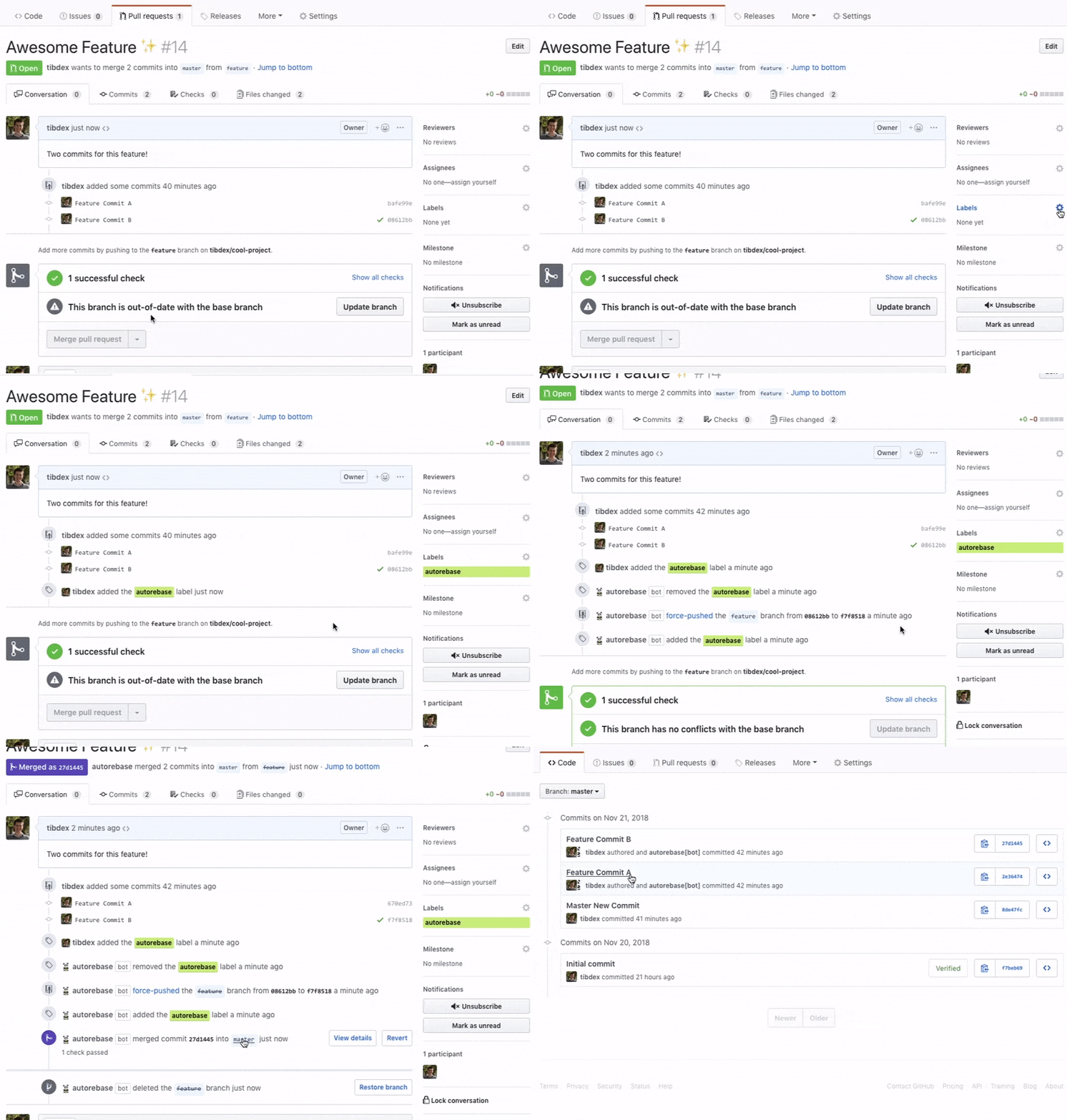
Autorebase relies on github-rebase to perform all the required Git operations directly through the GitHub REST API instead of having to clone repositories on a server and executing Git CLI commands.
github-rebase is the 🗝️ to being able to run Autorebase as a stateless, easy to maintain, and cheap to operate, GitHub App!
I love this utility -- it saves me loads of time rebasing contributor pull requests every day!






I love auto-rebasing, but what kills me is that GitHub PRs drop the file references of conversations of branches that have been rebased. :(