Submit Button Enabling
"Enabling" you ask? Yes. We all know how to disable the submit upon form submission and the reasons for doing so, but what about re-enabling the submit button after an allotted amount of time. After all, what if the user presses the "stop" button immediately after submitting the form? They'd be screwed. Why not re-enable the submit button after an allotted amount of time so that the user may re-submit?
The MooTools JavaScript
window.addEvent('domready',function() {
		var subber = $('submit');
		subber.addEvent('click',function() {
			subber.set('value','Submitting...').disabled = true;
			(function() { subber.disabled = false; subber.set('value','Resubmit'); }).delay(10000); // how much time?  10 seconds
		});
	});
Of course, this isn't ideal in all situations. It is, however, a nice touch if your system can accommodate for it.
Update: Upon submission, the button's message changes to "submitting..." and once enabled, the message changes to "Resubmit." Thank you to Facundo Corradini for the suggestion!
![Creating Scrolling Parallax Effects with CSS]()
Introduction
For quite a long time now websites with the so called "parallax" effect have been really popular.
In case you have not heard of this effect, it basically includes different layers of images that are moving in different directions or with different speed. This leads to a...
![7 Essential JavaScript Functions]()
I remember the early days of JavaScript where you needed a simple function for just about everything because the browser vendors implemented features differently, and not just edge features, basic features, like addEventListener and attachEvent. Times have changed but there are still a few functions each developer should...
![Parallax Sound Waves Animating on Scroll]()
Scrolling animations are fun. They are fun to create and fun to use. If you are tired of bootstrapping you might find playing with scrolling animations as a nice juicy refreshment in your dry front-end development career. Let's have a look how to create animating...
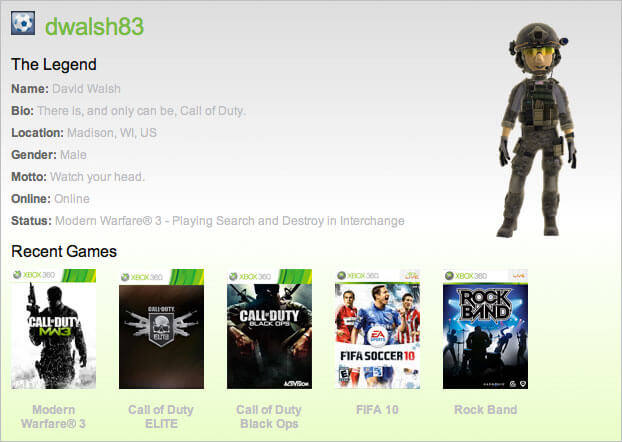
![Xbox Live Gamer API]()
My sharpshooter status aside, I've always been surprised upset that Microsoft has never provided an API for the vast amount of information about users, the games they play, and statistics within the games. Namely, I'd like to publicly shame every n00b I've baptized with my...